
The Learn to Read App That Covers the Whole Journey, One Placement at a Time
Most learn to read apps cover one stretch of the journey and stop there. Word Safari runs the whole ladder in one place, from a child's first letter sound to a full story read alone, and starts each child exactly where they actually are.
English content spans roughly age 4 to 11 across 7 phonics tiers. German and Russian are built in too, each with its own placement and its own pace.
One app, not a shelf of apps
Search for a learn to read app and two patterns show up again and again: an app that covers one slice of the job well, or a list telling parents to combine several.
Plenty of reading apps split the job into a family of separate apps, one for the alphabet, another for phonics, another for vocabulary, so a parent ends up managing a small collection instead of one tool. Others cover early letter sounds and phonics well, then quietly stop mattering once a child moves past the basics, right when harder material is needed most. Word Safari runs the full arc in one place instead, carrying a four year old through their first letter sound and an eleven year old through full stories and spelling from memory, on the same account and the same kid profile.
What learning to read actually covers, start to finish
Reading is not one skill that clicks on a single day. It is a short sequence of skills, each one leaning on the last, and a genuine learn to read app has to carry a child through all of them, not just the first one or two.
- Letter sounds Sound-to-symbol matching, roughly age 4 to 5
- Blending into first words Short, regular words, roughly age 5
- Blends and digraphs Harder sound combinations, roughly age 6 to 7
- Sentences and fluency Reading for meaning, roughly age 7 to 9
- Longer stories and spelling from memory Independent reading, roughly age 9 to 11
A parent who wants the fuller version of this, including how to tell when a child is ready to move up a stage, can read our stage-by-stage guide to teaching reading at home, which walks through all of this whether or not an app is involved at all.
How the app finds where your child should start
You shouldn't need to know your own child's stage before an app can be useful to them. Word Safari opens with a short placement round, about five minutes, built to always end on a win rather than a wrong answer. It maps your child onto one of 7 phonics tiers, so a first-time blender and a confident 9 year old land in genuinely different places without you choosing a level by hand.
From there, every round keeps adapting. A child breezing through gets nudged toward harder words and, before long, into the next tier. A child finding a batch tricky gets more rounds at the same easy words before moving on. Our reading placement test page goes into exactly how that adapting works, tier by tier.
Ten game modes, introduced gradually
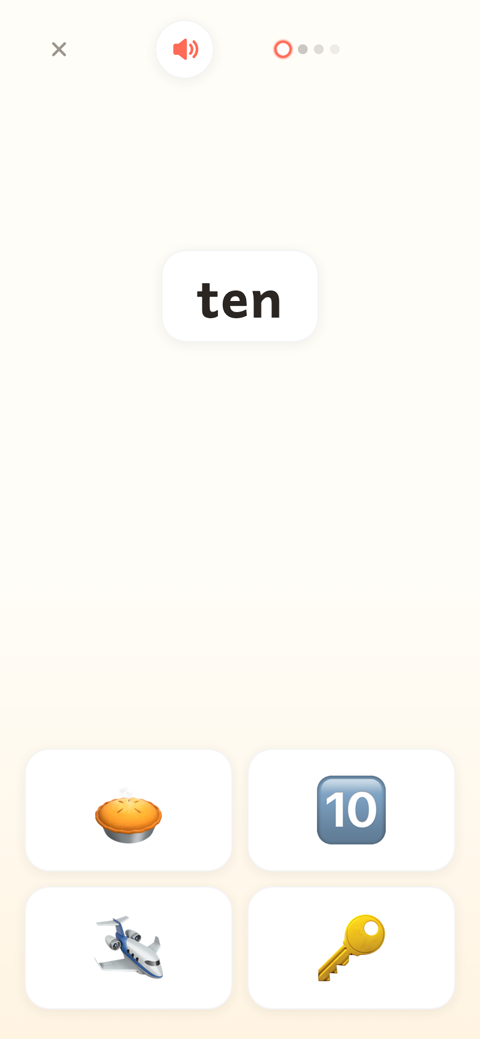
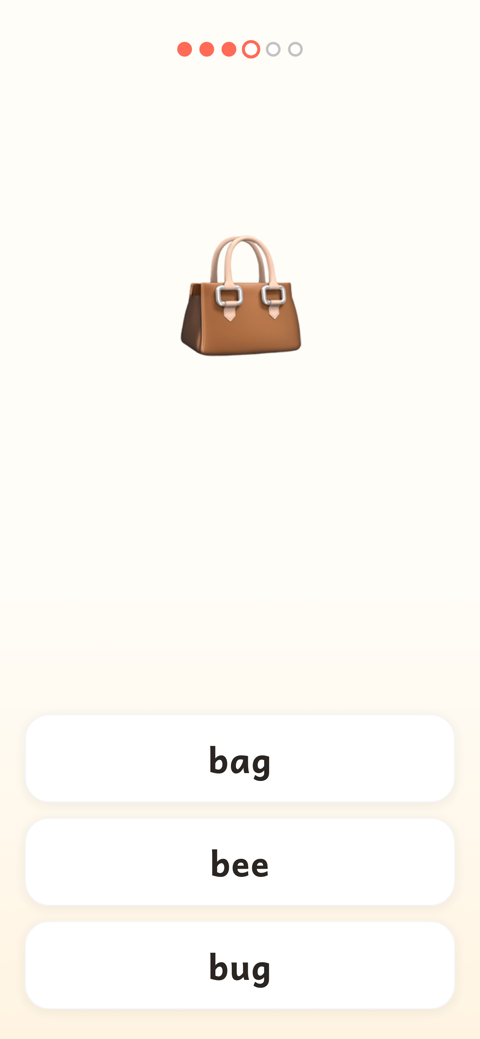
Seven of Word Safari's 10 game modes work through reading itself, from matching a word to a picture through to reading a full sentence aloud. The other three are dedicated to spelling: listening and spelling a word, building one from letter tiles, and filling in a missing letter, all drawing from the same word bank a child is already reading from. New modes are introduced gradually as a child is ready, rather than all at once on day one.
Our spelling games page covers those three spelling modes in more detail, if reading practice alone isn't what you're after.
Hand-curated across 7 phonics tiers, from a child's first sounds onward.
Single letters through digraphs and trigraphs, taught in order.
Up to six children on one account, each with their own level and progress.
Seven reading modes and three spelling modes, introduced gradually.
Find your child's starting point in about five minutes
Sign up free and let the placement do the guessing, so you don't have to.
Prefer to see it first? Try a round on the homepage demo →
One app from age 4 to 11, not a cliff at eight
A lot of reading apps quietly run out of runway right around second grade, which is exactly when many children still have years of progress ahead of them. Word Safari's English ladder keeps extending all the way to Tier 7, roughly Year 6 vocabulary, so a child who outgrows the early stages has somewhere real to go inside the same app rather than a search for a new one.
For age-specific detail, our pages on reading for 4-5 year olds, 6-7 year olds, 8-9 year olds and 10-11 year olds each walk through what that particular stretch of the ladder looks like in practice.
One account, every child at their own level
A family with a 5 year old and a 9 year old doesn't need two subscriptions or two logins to get two different levels right. Each kid profile keeps its own placement and its own progress, in every language it plays, so an older sibling's harder stories never spill into a younger one's turn, and neither child is ever nudged toward the other's pace.
No ads, offline, and private by default
More on how that plays out day to day is on our ad-free reading app page, including what "no ads, ever" actually means for a child sitting with the app alone.
What it actually costs
Several of the pages that rank for this search barely mention price at all. Here's the plain version: Word Safari is free to play, no card needed to start, and that free slice stays playable forever, not just for a trial week. Nothing is held back for Plus.
What Plus adds is time, not content. Free play gives each child five rounds a day, at her own level, and five fresh ones arrive each morning; Plus lifts that daily limit so she can play as much as she likes. It costs $8.99 a month or $89.99 a year, and one subscription covers every child in the family, so a second or third kid profile never means a second bill.
Questions parents ask
Is Word Safari really one app for the whole journey, from age 4 to 11?
Yes. English content runs across 7 phonics tiers and spans roughly age 4 to 11, so most children stay in one app rather than graduating to a different one partway through. A short placement test finds the right starting point, wherever your child sits on that ladder.
How does the placement test know where to start my child?
A short, playful round, about five minutes, that always ends on a win. It maps your child onto one of 7 phonics tiers, and every round after keeps adjusting further, so the first estimate only ever has to be roughly right.
Does the app cover spelling too, or only reading?
Both, from early on. Three of the 10 game modes are dedicated to spelling: listening and spelling a word, building one from letter tiles, and filling in a missing letter, using the same word bank your child is already reading from.
What does Word Safari actually cost?
Word Safari stays free to play forever, no card needed to start: every child gets five rounds a day, at her own reading level. Word Safari Plus lifts that daily limit, so she can play as much as she likes. It is $8.99 a month or $89.99 a year, and one subscription covers every child in the family, not just one profile.